

For independent artists and tattoo studios
Tattoo booking software
with the deposit built in.
Clients fill in your intake form with the idea, placement, size, budget and references. You read it and send a booking link with a few times and the deposit. Once they've paid, the session is on your calendar.


You know the idea, placement and budget before they sit down.The OpenInk Studio desk
Deposits land in your own Stripe account
Your cancellation and refund rules are fixed before the link goes out
Clients get a reminder the day before
A day at the studio
Sessions, sketching, the odd coffee, the walk home.
The problem
You didn't start tattooing to chase deposits.
Twenty questions before every quote
What, where, how big, what budget. Every new client starts from scratch, and half of them go quiet before you have the full picture.
Deposits by screenshot
Bank transfers, PayPal, a screenshot to check for every payment. And the client who never paid a deposit is the one who doesn't show.
Dates settled in the DMs
A dozen messages to land on a day. Then someone cancels three days out, and you're negotiating the deposit all over again.
Features
Page, form, deposit, calendar, in the order a booking happens.
OpenInk Studio handles the admin around the tattoo, so the needle time stays yours.
Page & intake form
One link in your bio does the asking.
Your page holds your portfolio, flash, prices and booking info, and sends people straight to your intake form. You pick the questions, the options and what's required. Clients attach their own references, up to six images. Colors and background can match the shop.
- Separate pages for your work, flash, prices and FAQ
- Every question, option and required field is editable
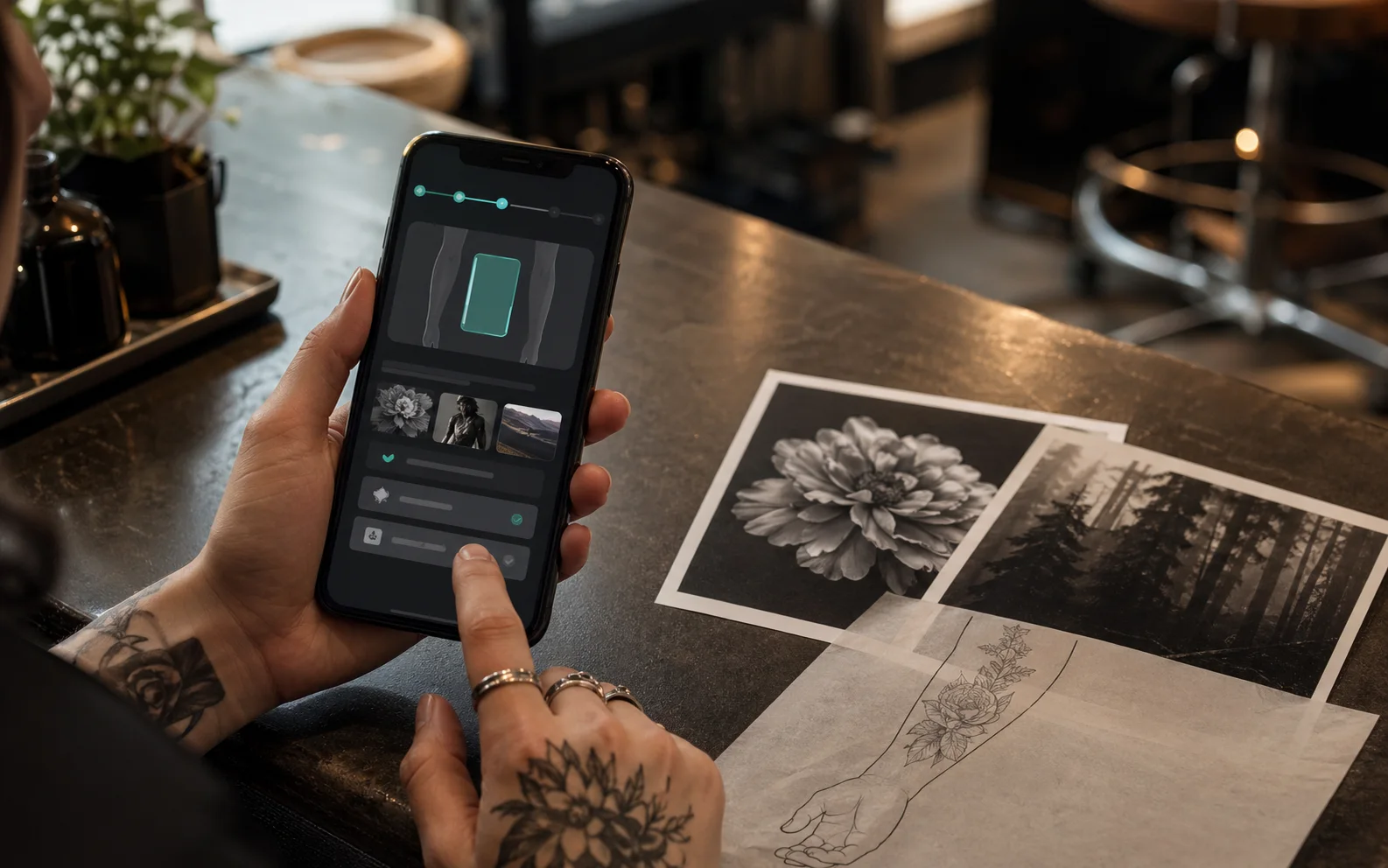
Fig. 01/ Page & intake form
Leads
See what's missing before you reply.
Each request comes in with the client's own answers and reference images. The readiness score, out of 100, checks placement, size, contact details, timing, budget and references, so the complete ones get answered first. If a request isn't for you, decline it, with or without an email to the client.
- Fixed scoring rules, with every point explained
- An email lands for each new request
- Anything waiting more than 12 hours gets flagged
Fig. 02/ Leads
Booking & deposits
One link settles the time and the deposit.
For the requests you want, send a booking link: a few times that suit you, a deposit as a percentage or a fixed amount, and how long the link stays open, anywhere from 12 hours to 7 days. The client picks a time and pays by card through Stripe, straight into your account. Your cancellation, rescheduling and refund rules travel with the link, and the client sees them before paying.
- Clients choose from your times, not your whole calendar
- Set a default deposit and change it for any booking
- No slot is held until someone pays
- Email the link to the client from the same screen
Fig. 03/ Booking & deposits
Calendar & reminders
Who's in when, on the calendar.
Paid bookings go straight onto your calendar: week, day, month or a plain list. Regulars who booked over Instagram and walk-ins go in by hand. Connect Google Calendar and your personal plans block those hours. Confirmations and the reminder the day before go to you and the client, and when you move or cancel a session, the client gets an email without you writing a word.
- Manual bookings hold the slot and get reminders
- Block out days off right on the calendar
- Owners and managers see the whole studio's schedule
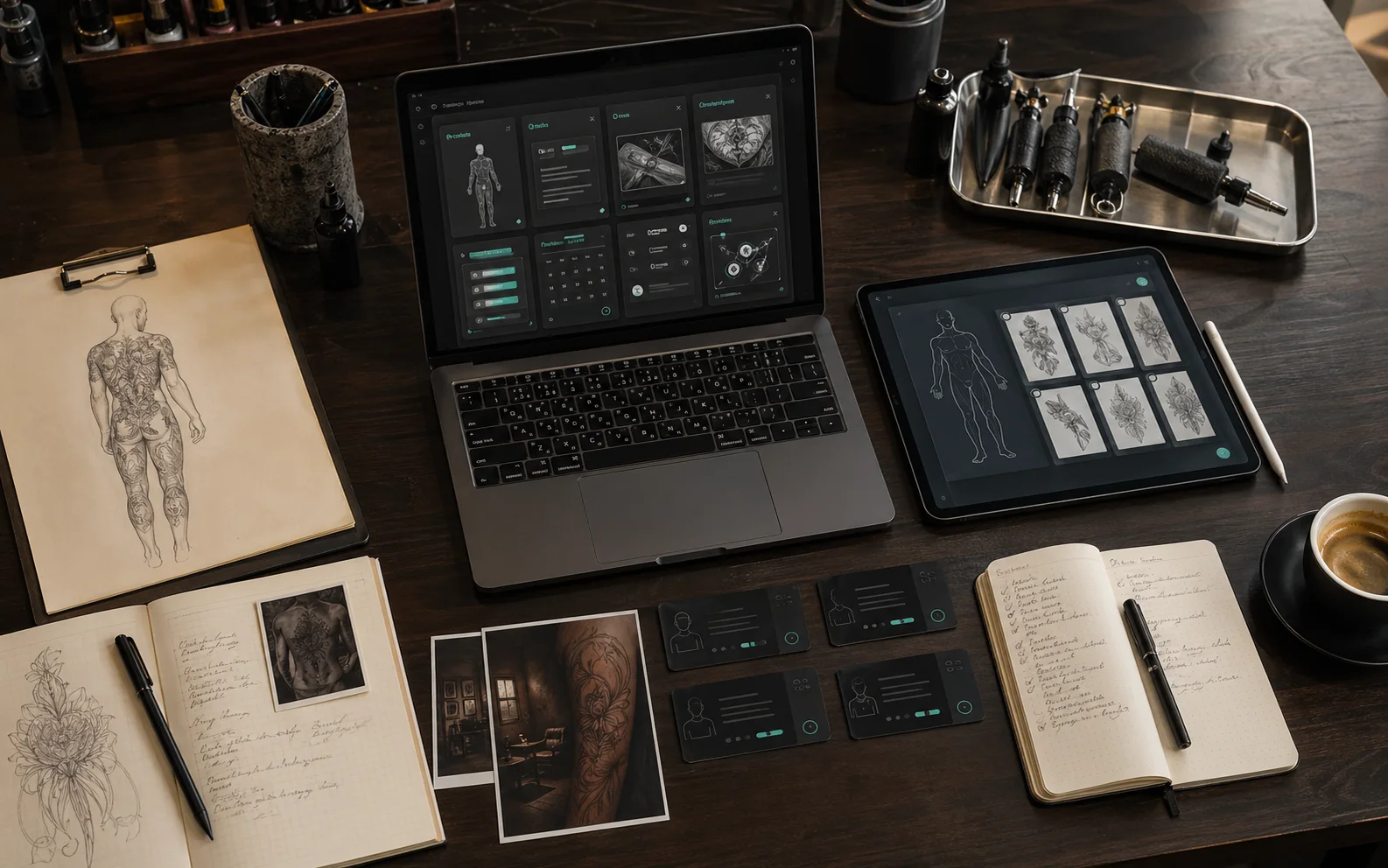
Fig. 04/ Calendar & reminders
How it works
One booking, four steps.
form → lead → booking link → deposit → calendar
They fill in your form
From your bio, your site or the card on the counter. You can be mid-session while the idea, placement, budget and references come in.
You decide
Read the answers, look at the references, check the score. Take it forward or decline it.

They pay the deposit
Send a few times and the deposit. Nothing is held until someone pays, so whoever pays first gets the slot.
Session day
It's on your calendar, you both got a confirmation, and the reminder went out the day before.
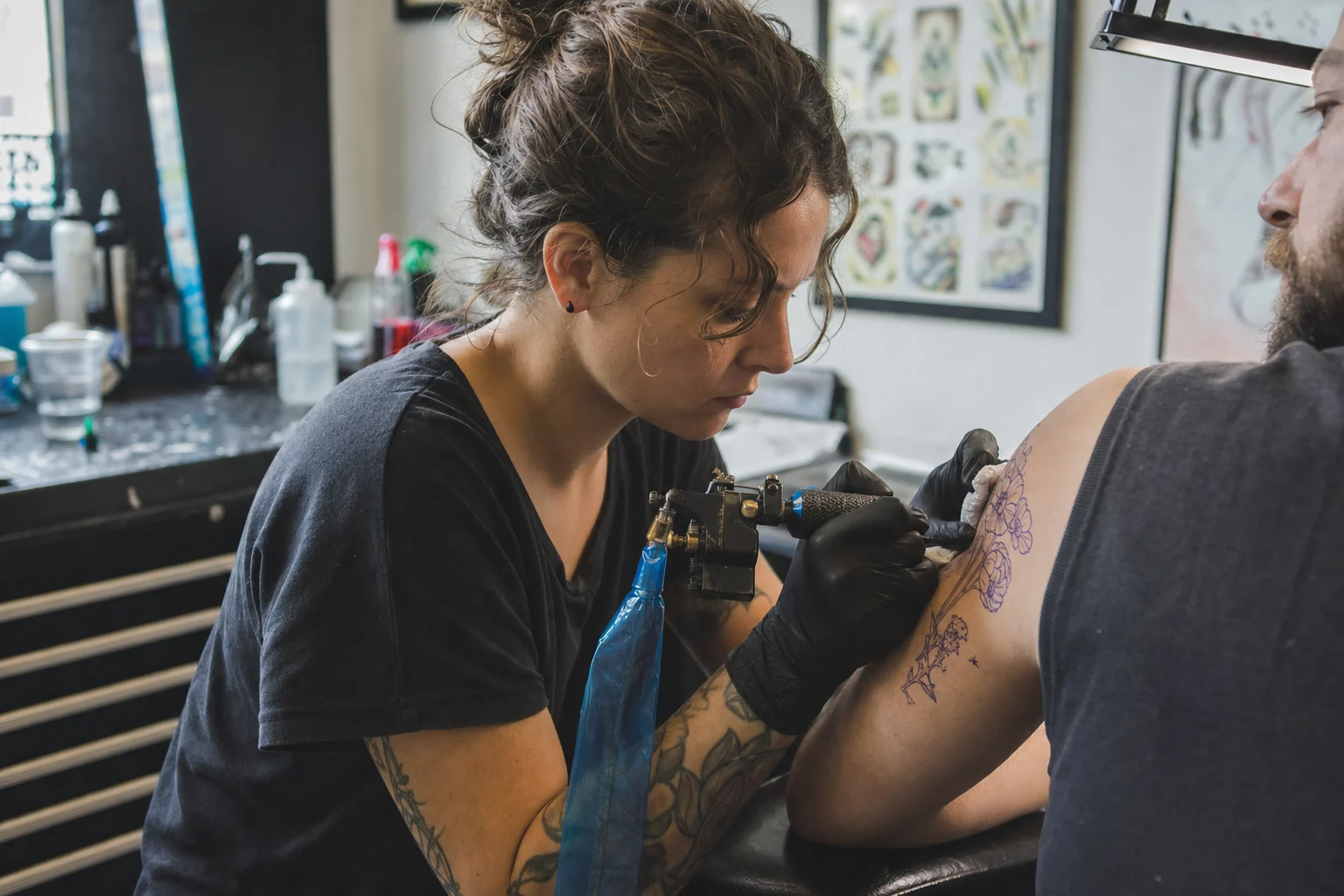
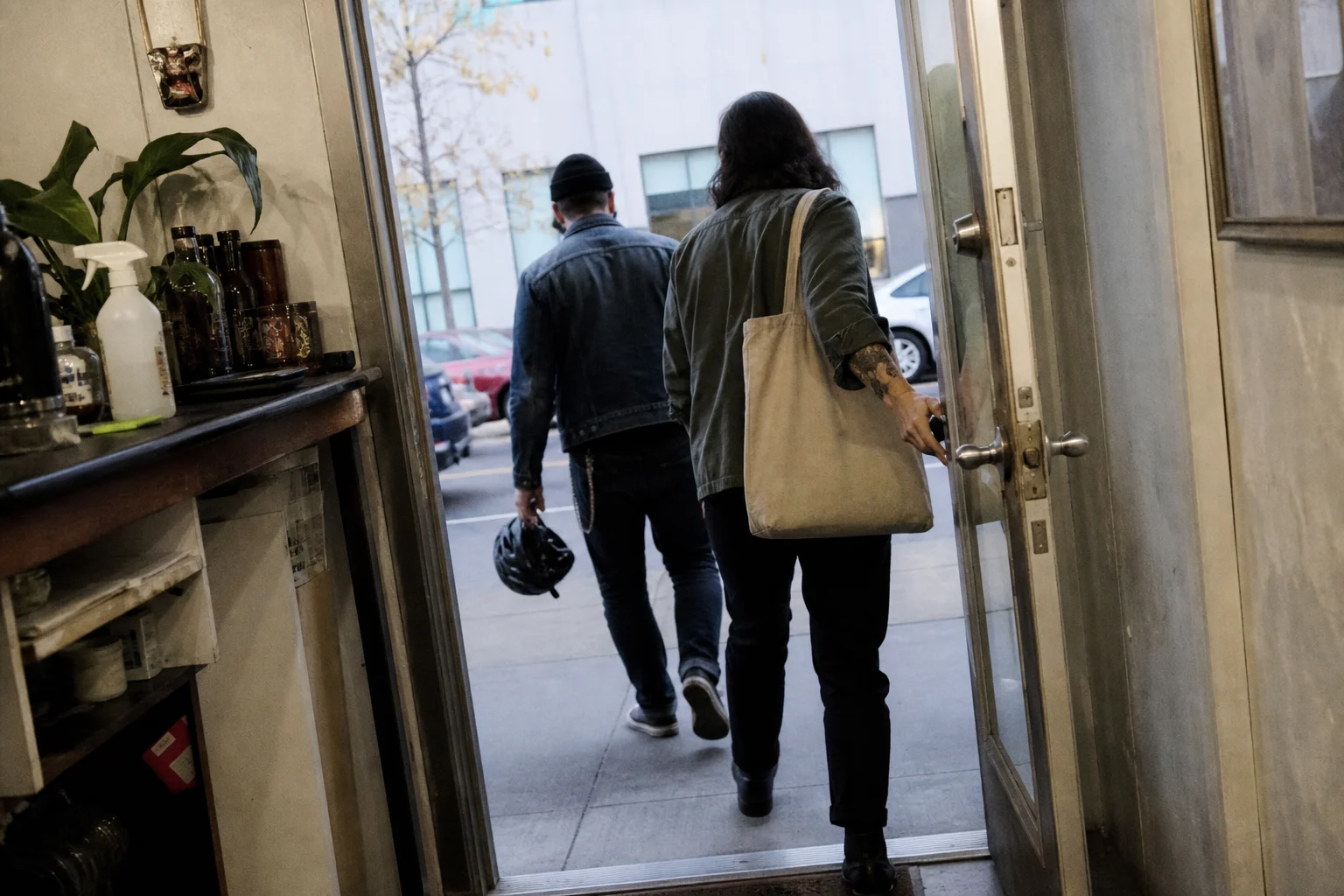
The artist's day
Clock off on time.
No more answering DMs at midnight or matching screenshots to payments. When a client needs a new date, they ask on their request page, not in your DMs. You move it the next morning and the client gets the email.
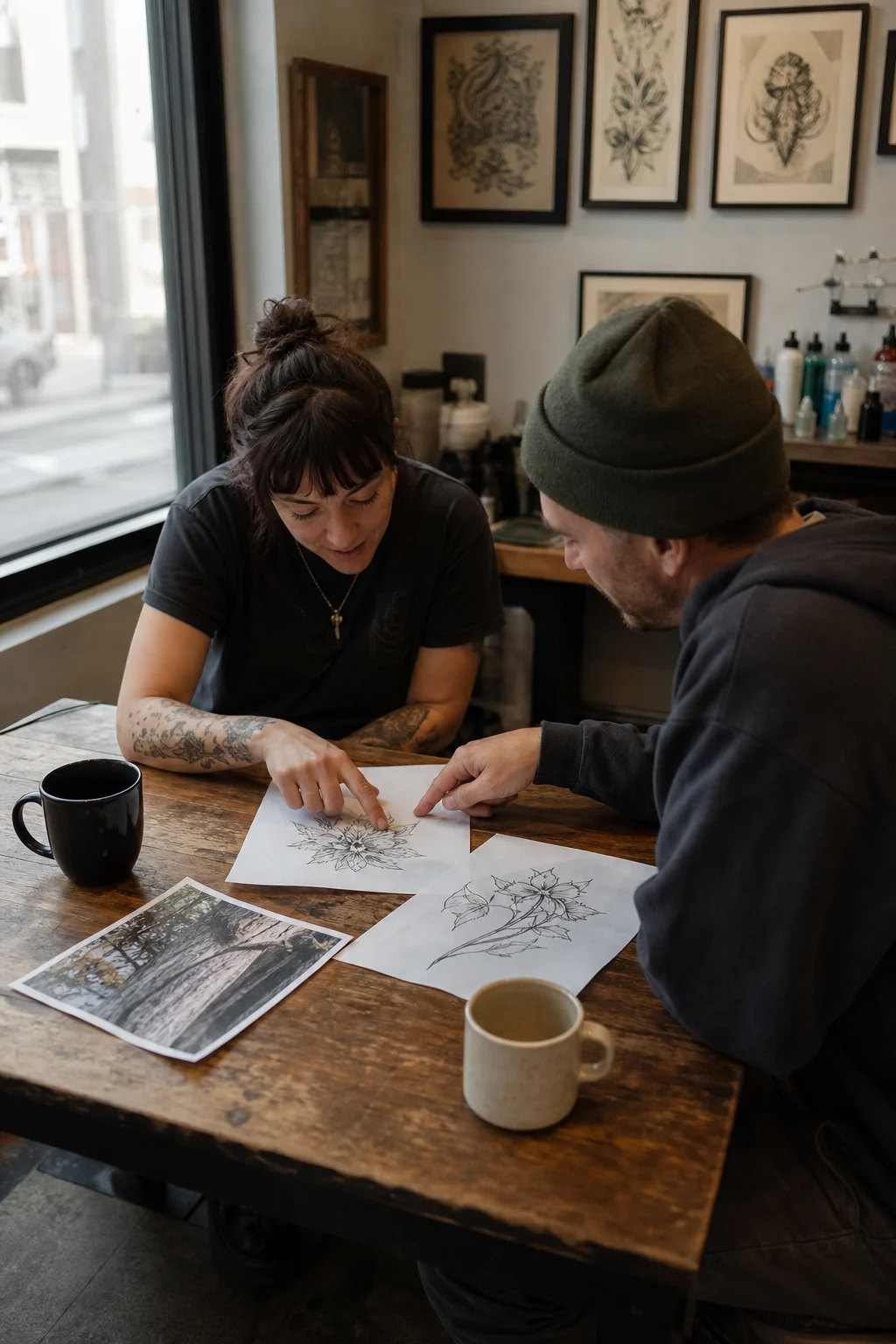
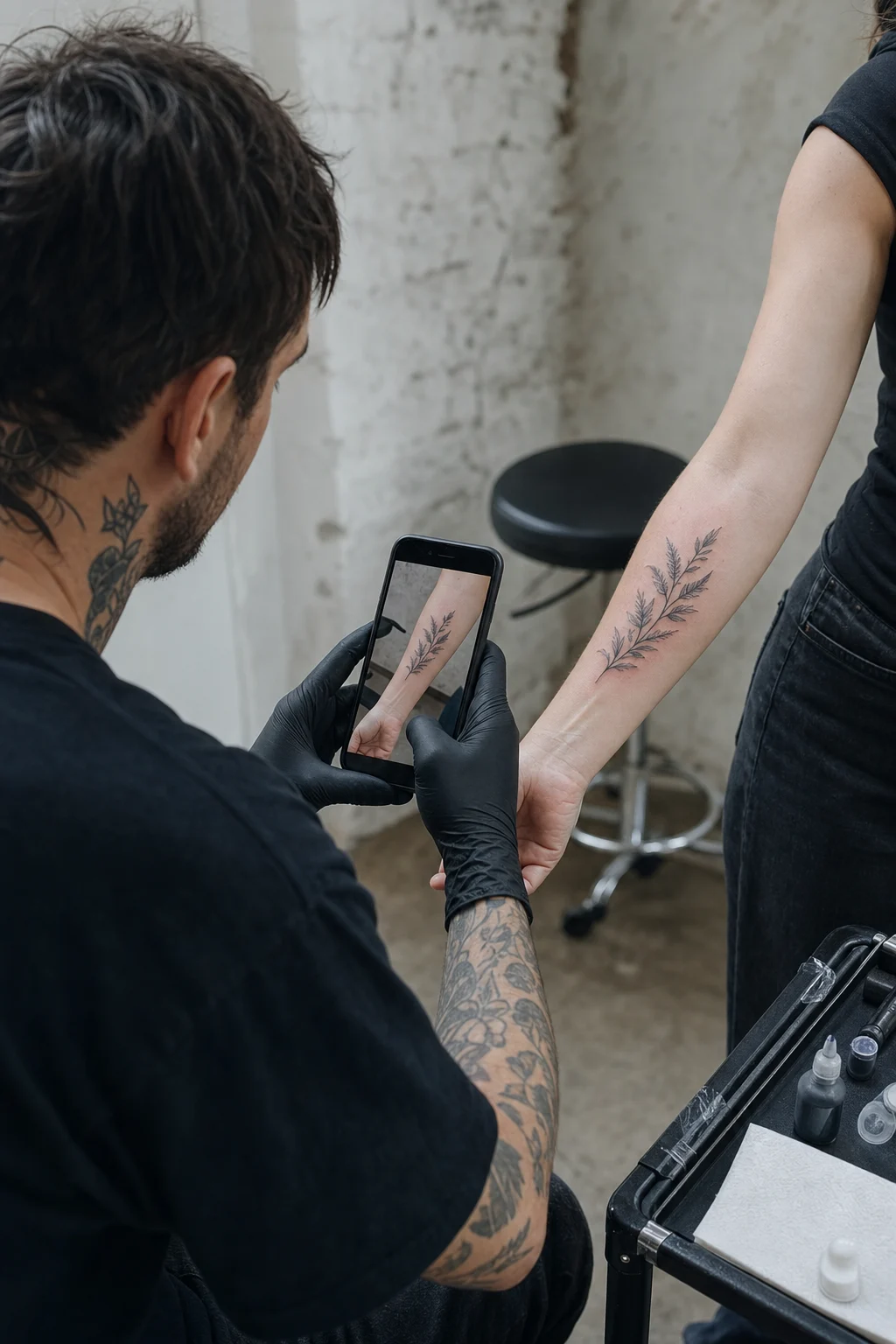
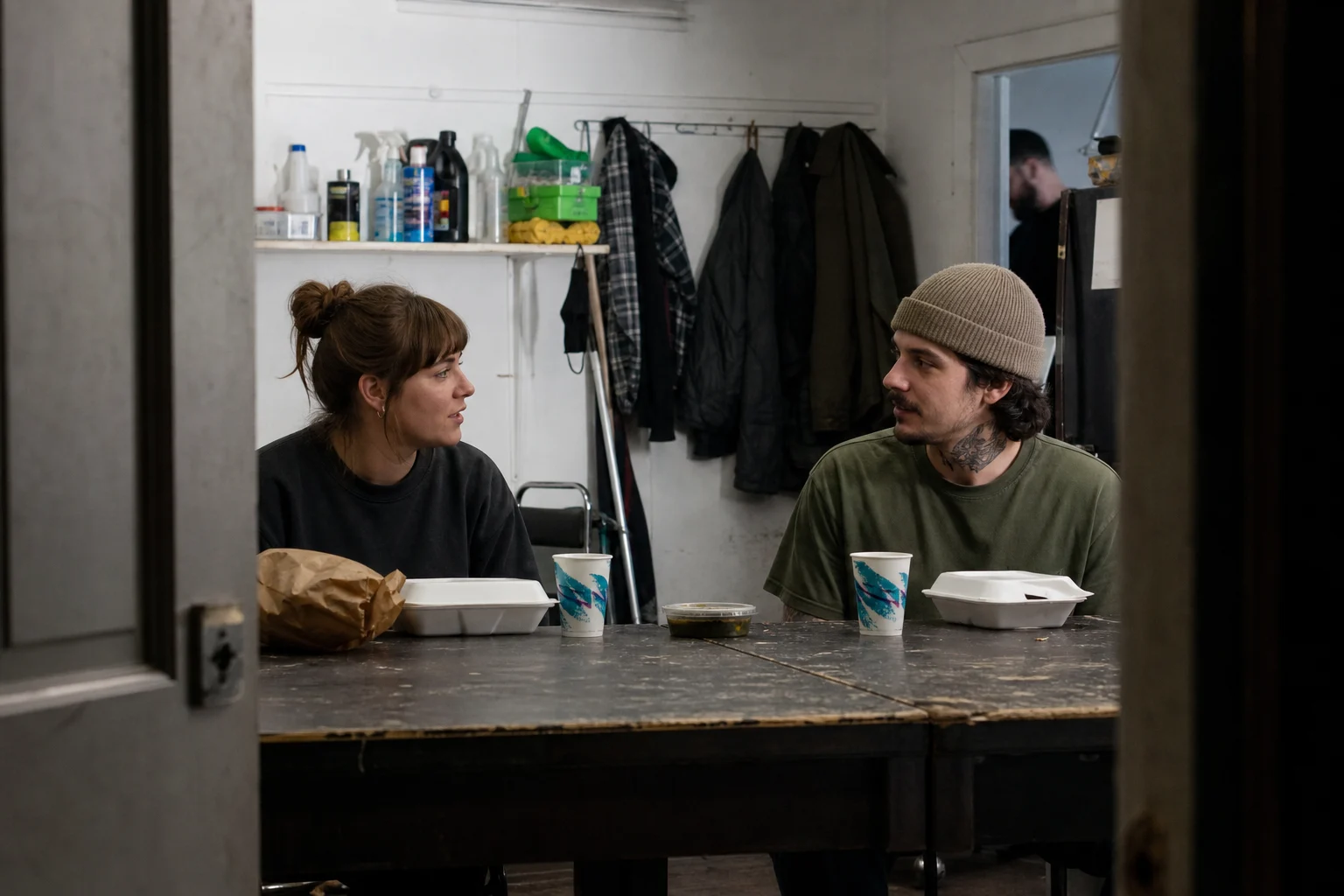

The difference
The same studio, run two ways.
Without OpenInk
With OpenInk
Without OpenInk
The idea in your DMs, the reference on WhatsApp, the budget in a voice note
With OpenInk
One intake form, references attached
Without OpenInk
Deposits checked screenshot by screenshot
With OpenInk
Clients pay by card, straight into your Stripe account
Without OpenInk
A dozen messages to agree on a date
With OpenInk
You offer a few times and they pick one
Without OpenInk
Every late cancellation is a fresh negotiation
With OpenInk
The refund rules were on screen before they paid
Without OpenInk
Dates in a notebook, reminders sent by hand
With OpenInk
Bookings fill the calendar and the reminders send themselves
Tattoo consultation form guide
A practical intake checklist, a sample tattoo brief and a review process to help you collect useful details before quoting. Use it to improve the form you already have, or as the starting point for one in OpenInk Studio.
Whose account do deposits go to?
Your own Stripe account. You connect it once in the workspace, and from then on every deposit goes through Stripe straight to you. OpenInk never holds the money.
Does the client pay anything on top of the deposit?
A platform service fee, shown as its own line before they pay: 10% of the deposit on Free and 5% on a paid plan or during the trial, 7% for Stripe accounts in Thailand. Minimum per payment: US$3.99 on Free, US$2.50 on paid plans (rounded to a familiar price in other currencies). Your deposit arrives in full, and OpenInk covers the Stripe processing fee. Whether the service fee comes back on a cancellation follows your rules. Collecting the balance through OpenInk costs the client the same rate; taking it in the studio is free.
What if a client needs to reschedule or cancel?
You set the rules before the link goes out: how much of the deposit comes back depending on notice, what a no-show gets, how many times a booking can move. They lock when the link is created, and the client sees them before paying. After that, a client who needs a change messages you from their request page. You move or cancel the booking yourself. The refund follows your rules, and the client gets an email.
Do I have to publish my whole schedule?
No. Offer a few times with each link and the client picks from those. If you don't offer any, they see the weekly hours you've saved.
What about regulars and walk-ins?
Add them to the calendar by hand. A manual booking holds the slot like an online one, and you still get the reminder. Put in the client's email and they get one too.
Can a whole studio use it?
The owner invites artists with a link and gives each person a role: owner, manager or artist. Owners and managers see the studio's leads and schedule; artists get the confirmation and reminder emails for their own bookings.
I already have Instagram and a website. Where does this fit?
Keep both. Put your page or form link in your bio or behind the booking button on your site. People still find you the same way; the requests and deposits just stop scattering across your DMs.
Which languages and countries are supported?
The workspace and email notifications come in 10 languages. When clients open your page, form or booking page, the buttons and prompts switch to their language, while what you wrote stays as you wrote it. Deposits are available in 33 countries and regions right now, including the US, Canada, the UK, most of the EU, Australia, New Zealand, Japan, Hong Kong and Singapore.
Who owns the client data?
Your studio does. Requests, reference images and bookings are yours, and OpenInk only opens them to the roles you set up.

Early access · No payment
Give the next inquiry a slot on your calendar.
We're letting studios in a few at a time. Signing up costs nothing and needs no card, and we'll email you when there's a spot.